UI/UX Design Masterclass

Become a job-ready UI/UX designer from scratch

Learn how to research, design, and prototype modern digital products using Figma, while building a real portfolio project that gets you hired.

  • โœ“ Master the full UX process from research and personas to user flows and wireframes.
  • โœ“ Design clean, modern interfaces for web and mobile using professional UI principles.
  • โœ“ Build one complete real-world case study you can proudly show in your portfolio.
Level: Beginner friendly
Format: Self-paced, lifetime access
Price: USD 449

No prior design experience required. Learn step by step and build confidence as you go.
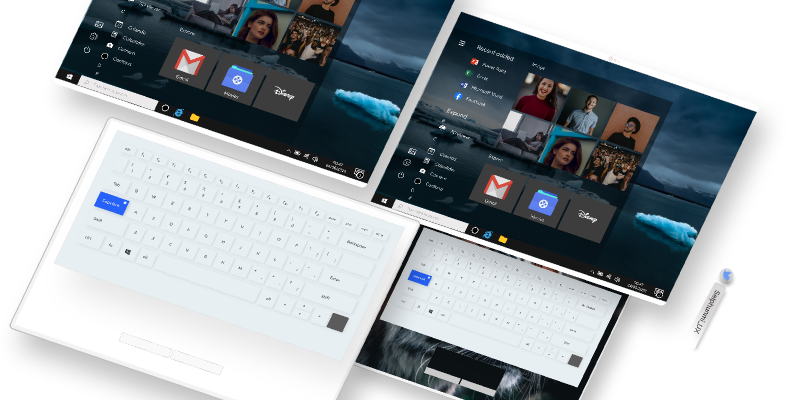
UI/UX Design Masterclass cover
UI/UX Design Masterclass
Portfolio ready
Learn UX research, wireframing, UI design, Figma, and design systems in one structured program.
Outcomes

From absolute beginner to confident, job-ready designer

This comprehensive course walks you through the entire product design process. You will not just follow along, you will think and work like a real UI/UX designer while building a complete portfolio project.

๐ŸŽฏ

Think like a designer

Understand how digital products are built, how to analyse user problems, and how to translate insights into intuitive experiences.

๐Ÿงช

Design with real users in mind

Learn UX research, interviews, surveys, competitor analysis, empathy maps, and user personas so every design decision has a reason.

๐Ÿ“

Build clear, usable interfaces

Apply layout, typography, spacing, color theory, and hierarchy to design modern interfaces that feel effortless to use.

๐Ÿ’ผ

Graduate with a portfolio project

Complete a real-world case study that showcases your process and skills, ready to show to hiring managers and clients.

Curriculum

Inside the UI/UX Design Masterclass

Eight structured modules guide you from foundations to advanced design systems, with practical exercises and one portfolio-ready project.

You are not just buying lessons; you are investing in a new career path.
Module 1

Intro to UI/UX and design fundamentals

Discover what UI and UX really mean, how digital products are built, and how designers think through problems before jumping into tools.

Module 2

UX research and understanding users

Run interviews, surveys, and competitor analysis. Build empathy maps and user personas so your designs solve real user problems.

Module 3

Information architecture and flows

Structure content with sitemaps and user flows. Learn to design clear navigation that feels natural and reduces friction.

Module 4

Wireframing and low-fidelity prototypes

Turn ideas into layouts. Sketch, wireframe, and build low-fidelity prototypes to validate concepts early and cheaply.

Module 5

UI design and visual principles

Apply typography, color, spacing, grids, and hierarchy to design interfaces that are both beautiful and accessible.

Module 6

Figma mastery and hi-fi prototyping

Use Figma like a professional. Build responsive screens, components, auto-layouts, and interactive prototypes.

Module 7

Design systems and interactions

Create scalable design systems with reusable components, tokens, and micro-interactions that keep products consistent.

Module 8

Portfolio project and career prep

Build a complete case study, document your process, and prepare for junior roles, freelance work, or client projects.

Elena, UI/UX Designer

Elena

UI/UX Designer and product design practitioner

Design thinking UI/UX design Wireframing and prototyping

Elena has designed mobile and web applications for startups and businesses across different industries. Her focus is on turning complex ideas into clean, intuitive products that feel effortless to use. In this masterclass she shares the exact workflows, tools, and thinking she uses in real-world projects.

Learn from practice, not theory

Taught by a designer who ships real products

Throughout the course, you will work through a practical project alongside Elena, seeing every step from blank page to polished prototype. You will learn not only how to design, but how to explain your decisions and present your work professionally.

  • โœ“ See how a professional UI/UX designer approaches briefs, constraints, and stakeholder feedback.
  • โœ“ Follow a complete case study workflow you can reuse for your own portfolio.
  • โœ“ Get templates and frameworks for user research, flows, wireframes, and presentation decks.
Student feedback

Designed for beginners who want real-world skills

The curriculum is structured so that each lesson builds on the last. By the time you finish, you will understand both the why and the how behind great digital products.

โ˜…โ˜…โ˜…โ˜…โ˜…

I came from a non-design background and always thought UI/UX was too technical. This course broke everything down into clear steps and helped me build my first proper case study.

Sara M.

Career switcher

โ˜…โ˜…โ˜…โ˜…โ˜…

The Figma and design systems modules alone were worth it. I now feel comfortable designing full interfaces and handing them off to developers.

Daniel R.

Junior product designer

โ˜…โ˜…โ˜…โ˜…โ˜…

I used the final project from this course as my main portfolio piece and landed interviews for junior UX roles within weeks.

Lena K.

Aspiring UX designer

Enrollment

Join the UI/UX Design Masterclass today

449
One-time payment, lifetime access
  • Full access to all 8 modules and future updates
  • Downloadable files, templates, and resources
  • Complete end-to-end portfolio case study
  • Learn at your own pace on any device
โœ” Beginner friendly and practical
No prior design or coding knowledge required.
Is this course for you

Perfect if you want to break into UI/UX or level up your skills

  • โœ“ You are completely new to design and want a clear, structured path into UI/UX.
  • โœ“ You already design websites or graphics and want to add UX and product design skills.
  • โœ“ You need a solid portfolio project that shows your full process, not just pretty screens.

If you are motivated to learn, follow the steps, and complete the exercises, this masterclass will give you the skills and confidence to start applying for junior UI/UX roles or freelance projects.

Questions

Frequently asked questions

Still not sure if this is right for you. These answers may help you decide. You can revisit the curriculum and start whenever you are ready.

No. This masterclass is designed for complete beginners. You will start with fundamentals and gradually move into more advanced topics, tools, and workflows. All concepts are explained in simple, practical language.

The main design tool used in the course is Figma, which has a free plan available. You only need a laptop or desktop computer that can run Figma smoothly and a stable internet connection to access the lessons.

You get lifetime access to all lessons and future updates. You can learn at your own pace, revisit modules anytime, and refresh your knowledge whenever you need.

Yes. The final module is focused on helping you create a complete real-world case study. You will plan, design, and present a project that you can include in your portfolio and share with employers or clients.

This course gives you the foundations, the tools, and a strong portfolio project. Getting hired will also depend on your dedication, how you present your work, and how you apply what you learn, but the curriculum is designed to support that goal.

Ready to design intuitive, modern digital experiences

Join the UI/UX Design Masterclass and build the skills, confidence, and portfolio you need to step into real UI/UX opportunities.
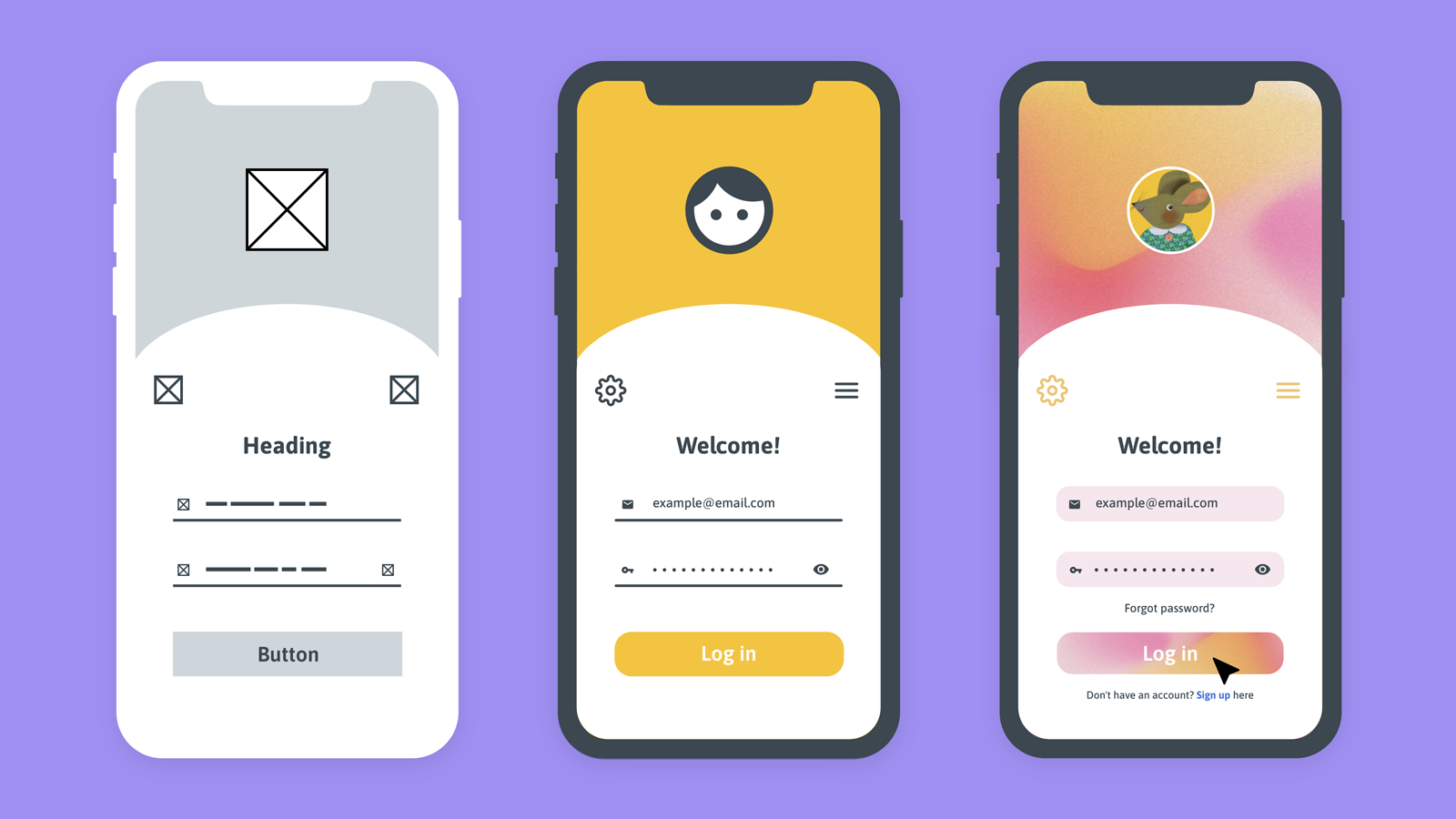
Beginner friendly โ€ข Lifetime access โ€ข Portfolio case study included